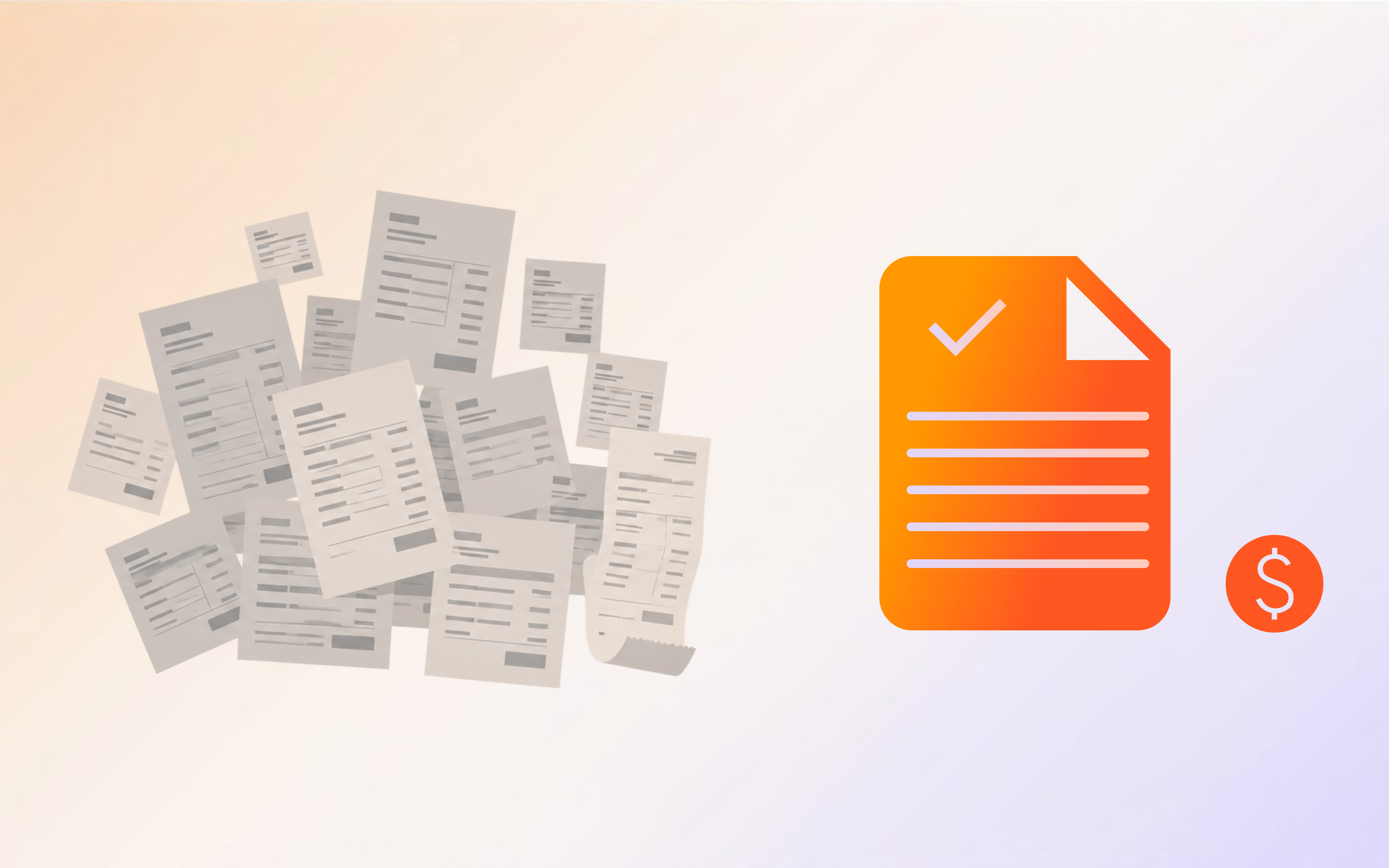
The average company spends $15 processing a single invoice manually. AI brings that down to under $3.
Your AP team processed 4,000 invoices last month. At $15 per invoice (the industry average for manual processing), that’s $60,000 spent just to get bills into your system. And 39% of those invoices contained errors that required someone to stop, investigate, and fix.
This isn’t a people problem. It’s a process problem. The accounts payable workflow hasn’t fundamentally changed in decades: receive invoice, enter data, match to purchase order, route for approval, schedule payment. Every step involves manual work, and every handoff introduces errors.
AI changes the economics of AP entirely. The global AP automation market hit $6.17 billion in 2025 and is growing at 12.44% CAGR through 2031 (Source: Factura.ai). Companies automating their AP process are cutting invoice costs from $12-$20 down to $1-$3 per invoice, reducing errors from 39% to under 0.1%, and eliminating the late payments that damage supplier relationships.
This guide walks you through exactly how to automate accounts payable with AI, step by step.
Why Manual Accounts Payable Is Costing You More Than You Think
Before automating, you need to understand what manual AP actually costs your organization.
The True Cost Per Invoice
The numbers are worse than most finance teams realize:
-
Manual processing cost: $12.88 to $19.83 per invoice (Source: Gennai, 2026)
-
AI-automated cost: $2.36 per invoice (Source: Parseur)
-
Cost reduction: Up to 80% per invoice (Source: NetSuite)
68% of companies still manually key invoices into their ERP. Only 32% have any form of automated process (Source: DocuClipper).
The Error Tax
Manual data entry isn’t just slow. It’s inaccurate:
-
39% of manually processed invoices contain errors (Source: Gennai)
-
22% error rate in manual data entry (Source: Pymenta 2026 survey)
-
AI error rates: under 0.1% (Source: Factura.ai)
Every error triggers a chain reaction: someone has to stop what they’re doing, investigate the mismatch, contact the vendor or buyer, correct the data, and reprocess. That $15 per invoice quickly balloons to $30+ when you factor in exception handling.
The Late Payment Problem
-
55% of invoices are paid late when processed manually (Source: Gennai)
-
39% of late payments stem from manual processing delays (Source: Pymenta)
-
Late payments damage supplier relationships, trigger penalties, and cost you early payment discounts
What AI-Powered AP Automation Actually Looks Like
Step 1: Intelligent Invoice Capture
An AI agent monitors your AP inbox (or mail, or portal), captures every incoming invoice regardless of format (PDF, scan, email body, EDI), and extracts all relevant fields: vendor name, invoice number, date, line items, quantities, unit prices, tax calculations, PO references, and payment terms.
Step 2: Three-Way Matching
AI performs three-way matching by extracting the PO number, pulling the corresponding PO from your ERP, verifying items/quantities/prices, checking receiving documents, and flagging discrepancies.
Automated three-way matching achieves 70%+ touchless processing rates with error rates below 2.5% (Source: Medius).
Step 3: Automated Coding and GL Assignment
AI agents learn from your historical coding patterns. When a new invoice arrives from a known vendor, the agent assigns the correct GL accounts, cost centers, and project codes based on past transactions.
Step 4: Approval Routing
The AI routes invoices to the correct approver based on amount thresholds, department ownership, vendor category, contract terms, and custom business rules. The agent handles follow-ups and escalations automatically.
Step 5: Payment Scheduling
AI optimizes payment timing: identifies early payment discounts, schedules payments for healthy cash flow, avoids penalties, and batches payments efficiently.
Every manual step in AP is a chance for error. AI eliminates the handoffs.
The ROI of AP Automation: Real Numbers
| Metric | Manual AP | AI-Automated AP | Improvement |
|---|---|---|---|
| Cost per invoice | $12-$20 | $1-$3 | 80% reduction |
| Processing time | 10-30 minutes | 1-2 seconds | 99% reduction |
| Error rate | 39% | less than 0.1% | 99.7% reduction |
| Touchless processing | 0% | 70%+ | N/A |
| Late payment rate | 55%+ | less than 5% | 90% reduction |
| Days to process | 10-15 days | 2-3 days | 80% faster |
A company processing 4,000 invoices per month saves approximately $48,000 to $71,000 per month by moving from $15/invoice to $1-$3/invoice.
How to Calculate Your AP Automation ROI
Current annual AP cost = (monthly invoices x 12) x cost per invoice
Automated annual AP cost = (monthly invoices x 12) x automated cost per invoice

For a mid-market company processing 5,000 invoices per month:
• Manual: 60,000 x $15 = $900,000/year
• Automated: 60,000 x $2.50 = $150,000/year
• Annual savings: $750,000
The ROI math is straightforward. The harder part is the organizational will to change.
How to Choose AP Automation Software
Must-Have Features
- AI-powered OCR: Not template-based. The AI should read any invoice format without configuration.
- Three-way matching: Automated PO matching with configurable tolerance levels.
- ERP integration: Seamless connection to your existing financial systems.
- Approval workflows: Configurable routing with escalation and delegation.
- Audit trail: Complete logging of every action for compliance.
Deployment Options
-
Cloud (SaaS): Fastest to deploy. Best for companies without strict data residency requirements.
-
On-premises: Required for regulated industries (finance, healthcare, government).
-
Hybrid: Cloud for standard processing, on-premises for sensitive data.
Implementation Roadmap: From Zero to Automated AP
Phase 1: Assessment (Week 1-2)
Map your current AP process, measure baseline metrics, identify top pain points, get stakeholder buy-in.
Phase 2: Pilot (Week 3-6)
Select one vendor category, configure the AI agent, run parallel processing, measure results.
Phase 3: Expansion (Week 7-12)
Roll out to additional vendors, add complex workflows, integrate with payment systems.
Phase 4: Optimization (Ongoing)
Review analytics, adjust rules, add new invoice sources, expand to related processes.
AP automation is a team effort. Finance defines the rules, IT connects the systems, and AI does the work.
Common Objections
”Our invoices are too varied for automation”
That’s exactly why AI works. Unlike template-based OCR, AI reads invoices the way a human does.
”We need human oversight for every invoice”
You need oversight for exceptions, not for every invoice. AI handles the 70%+ that match POs.
”We’re too small to benefit”
If you process more than 200 invoices per month, AP automation pays for itself within the first quarter.
How AI Agents Change the AP Game
An AI employee for AP doesn’t just read and match invoices. It reasons about exceptions. When an invoice doesn’t match the PO, the agent investigates autonomously and escalates only when it needs a human decision.
Start automating your AP process with Shogo →
Frequently Asked Questions
How much does it cost to automate accounts payable?
Most AP automation platforms charge per invoice or per user. AI-powered platforms like Shogo offer flat-rate pricing. The ROI typically exceeds the investment within the first quarter for companies processing 200+ invoices per month.
Can AI handle different invoice formats?
Yes. AI reads invoices the way a human does. It extracts data from PDFs, scans, emails, and EDI regardless of layout, language, or format.
What’s the typical timeline for AP automation?
Most companies go from zero to automated AP within 4-12 weeks. Pilot with one vendor category (2-3 weeks), expand to all vendors (4-6 weeks).
How does AI AP automation affect the AP team?
It eliminates data entry, not jobs. AP staff shift to exception management, vendor relationships, and strategic analysis.
Is AI AP automation secure enough for enterprise use?
Enterprise-grade platforms include role-based access controls, encryption, audit logging, and on-premises deployment options.
Sources
-
Gennai. “Invoice Management Statistics 2026: Latest Data and Trends.” March 2026.
-
Factura.ai. “17 Accounts Payable Automation Statistics.” April 2026.
-
Parseur. “AI Invoice Processing Benchmarks 2026.” November 2025.
-
NetSuite. “Make the Business Case for AP Automation in 2026.” April 2026.
-
Medius. “Benchmarking AP Accuracy and Understanding Error Rates.” October 2025.
-
DocuClipper. “59 Accounts Payable Statistics for 2026.” March 2025.
-
Hypatos. “AI Invoice Automation ROI: Enterprise Benchmarks 2026.” May 2026.
-
Emburse. “AP Automation Workflow: The 2026 Guide to Reducing Costs by 80%.” 2026.