You can build a fully functional AI chatbot in an afternoon using nothing but your mouse and your knowledge of your customers. No developer. No Python. No waiting three months for IT to prioritize your ticket.
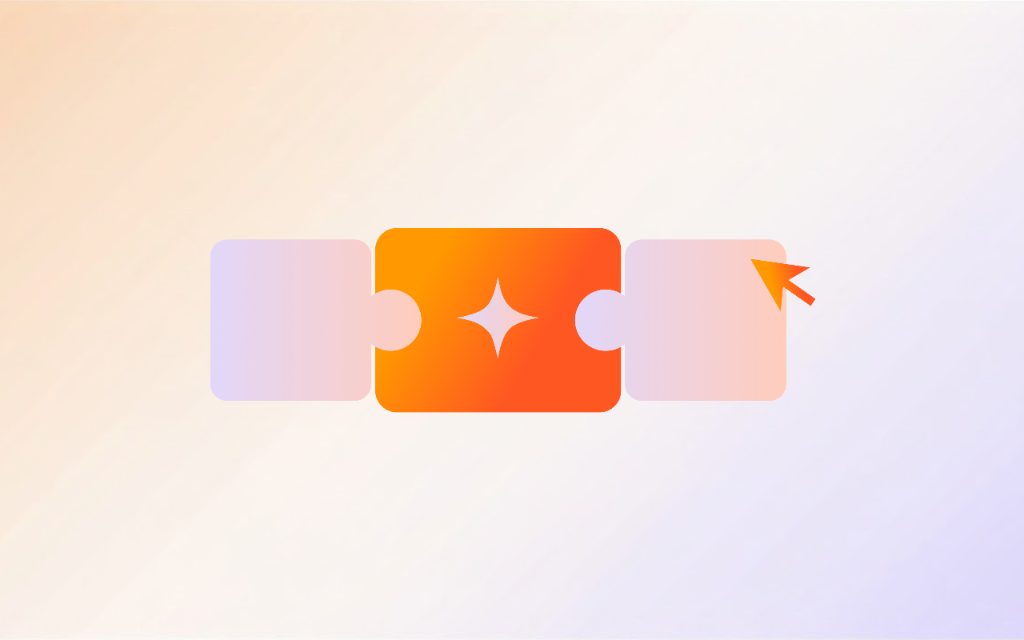
A no-code chatbot builder gives you a visual drag-and-drop interface, pre-built templates, natural language processing (NLP), and omnichannel deployment. You design the conversation experience. The platform handles the AI, the hosting, and the analytics.
This tutorial walks you through every step: defining your chatbot’s purpose, choosing the right platform, building conversation flows with intent recognition, connecting a knowledge base, adding human handoff, testing, and deploying across every channel your customers use.
Why You Don’t Need a Developer to Build a Chatbot
The no-code revolution hit chatbots hard
No-code tools have been around for a while, but chatbot builders specifically have exploded in the last two years. Most chatbot interactions follow predictable patterns: customer asks a question, the bot provides an answer, and if the request is complex, the bot routes it to a human agent.
That pattern translates perfectly into visual building blocks. You drag a greeting block here, connect it to a decision tree there, add a human handoff fallback, and you’re done. The underlying natural language processing handles intent recognition and language understanding. Your job is conversation design.
“72% of business leaders plan to deploy conversational AI chatbots for customer engagement within the next 12 months, up from 32% in 2023.” (Gartner, Conversational AI Market Report, 2025)
What you actually need (hint: not Python)
You don’t need to know Python, JavaScript, or any programming language. What you do need is:
Knowledge of your customers. What questions do they ask most? What problems bring them to your site?
Clear business goals. Is this chatbot for customer support, lead qualification, or FAQ automation?
Content. FAQs, product docs, policy pages, and the plain-language answers your team already gives customers.
That’s it. The platform handles the natural language processing, the hosting, the integrations, and the chatbot analytics. You handle the strategy and the content.
What a No-Code Chatbot Builder Does
Visual conversation flow editors and drag-and-drop builders
The core of any no-code chatbot builder is a visual editor. Think of it like a flowchart. You create nodes (messages, questions, decisions) and connect them with edges (user responses or conditions). The drag-and-drop interface shows you exactly how the conversation will flow, and you can rearrange elements by pointing and clicking.
Most builders let you preview the conversation in real time. You click “test,” type as a user would, and see how the bot responds at each step. This conversation design approach lets you iterate quickly without touching a single line of code.
Pre-built templates, response templates, and triggers
Good chatbot builders come with pre-built templates for common scenarios: welcome messages, FAQ responses, lead capture forms, appointment scheduling, and support ticket creation. You start with a response template, customize the content, and you have a working chatbot in minutes instead of hours.
Triggers determine when the chatbot activates. You can set it to appear on specific pages, after a certain time on site, when a user scrolls to the bottom, or when someone clicks a chat icon. Some builders support event-based triggers too, like “show this message when the user adds an item to cart.”
Integration with your existing tools (CRM, helpdesk, and more)
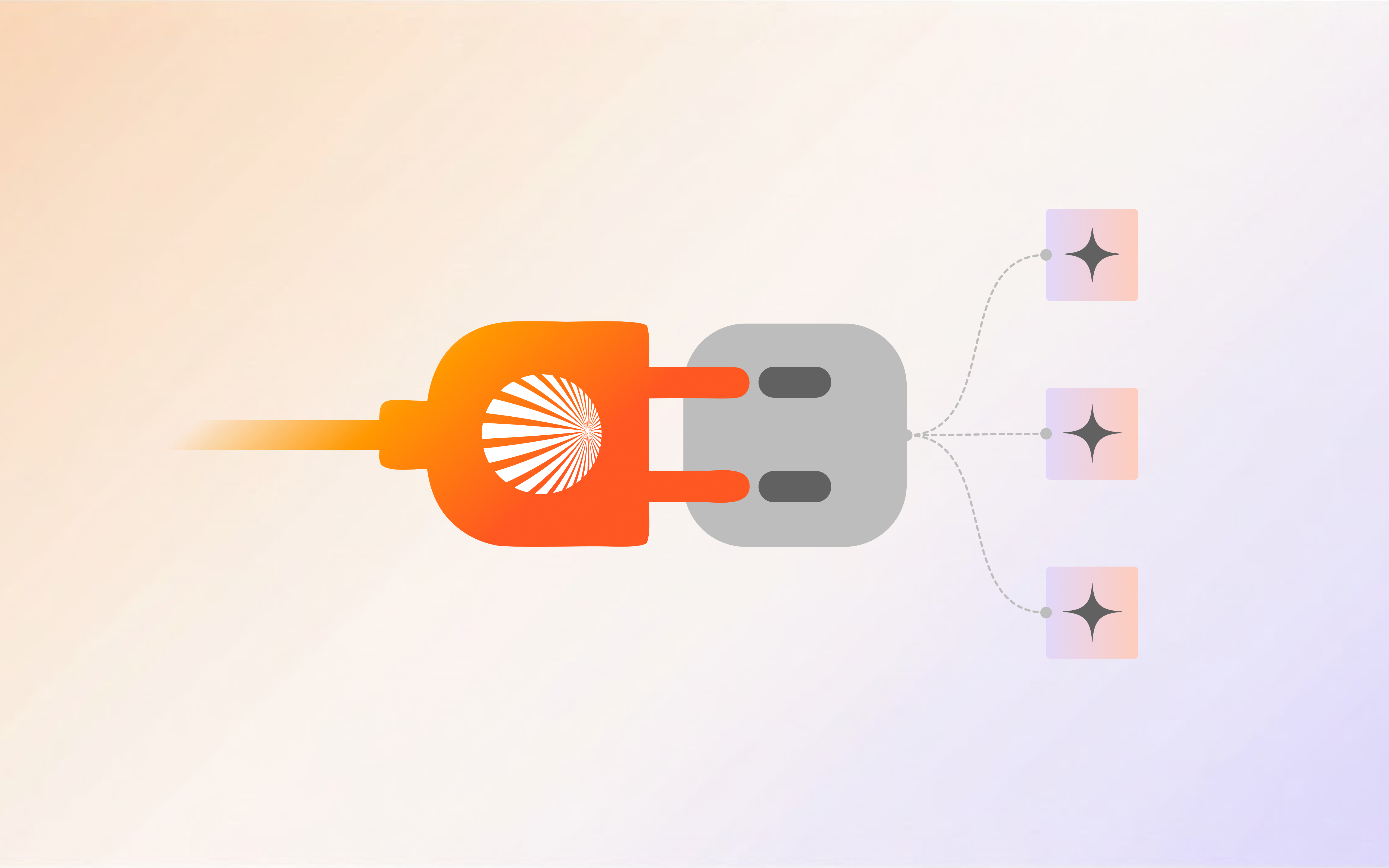
The best no-code chatbot platforms connect to the tools you already use: CRM systems (Salesforce, HubSpot, Pipedrive), email marketing platforms, helpdesk software, calendars, and payment processors. When someone fills out a lead form through the chatbot, that data flows straight into your CRM. When a support ticket gets created, it lands in your helpdesk with the full conversation history.
This integration layer is what separates a useful chatbot from a toy. Without it, you’re just building another wall between your customers and your team.
Natural Language Processing (NLP) and intent recognition
Modern no-code chatbot builders use natural language processing to understand what users actually mean, not just what they type. Intent recognition lets the bot map free-form text to specific actions. When a customer types “Where’s my stuff?” the NLP engine recognizes that as an order status inquiry, even though those exact words don’t appear in any FAQ.
This is the biggest leap from old rule-based chatbots. NLP-powered bots handle synonyms, typos, slang, and conversational phrasing. They understand context. They improve over time as they process more conversations.
Step 1: Define What Your Chatbot Should Do
Customer support vs lead qualification vs FAQ automation
Before you touch any builder, answer this question: what is the single most important job your chatbot will do?
Customer support chatbots handle questions about orders, returns, account issues, and troubleshooting. They reduce ticket volume and give customers instant answers at 2 AM when your team is asleep.
Lead qualification chatbots greet website visitors, ask qualifying questions, and capture contact information. They turn anonymous traffic into named leads in your pipeline. A well-designed lead qualification flow can increase qualified leads by 25-40% compared to static forms.
FAQ automation chatbots answer common questions instantly: “What are your business hours?” “Do you ship internationally?” “How do I reset my password?” They save your team from answering the same 20 questions a hundred times a day.
Pick one. You can always expand later, but starting with a focused purpose gives you the best results fastest.
Map your top 10 customer questions
Pull up your support tickets, chat logs, and email inbox. What are the 10 most common questions? Write them down. These become the foundation of your chatbot’s knowledge base.
Don’t guess. Look at the actual data. The questions you think customers ask and the questions they actually ask are often very different.
Here’s a typical top-10 list for an e-commerce business:
Where is my order?
How do I return an item?
What are your shipping rates?
Do you offer international shipping?
How do I track my package?
What payment methods do you accept?
Can I change my order after placing it?
How do I contact a human agent?
What is your return policy?
Do you have a size chart?
Each of these becomes a conversation branch in your chatbot. The goal is to resolve at least 60-70% of these without human intervention.
Step 2: Pick the Right No-Code Chatbot Platform
The right chatbot platform should match your technical comfort level and business needs, not the other way around.

What to look for in a no-code chatbot builder
Not all no-code chatbot builders are equal. Here’s what matters:
Drag-and-drop conversation editor. If you can’t build a flow by pointing and clicking, the platform isn’t truly no-code.
AI-powered responses with NLP. Look for platforms that use natural language processing and large language models to understand user intent, not just keyword matching. Keyword bots break the moment someone uses a synonym.
Human handoff and escalation. The ability to seamlessly transfer a conversation to a live agent is non-negotiable. A chatbot that can’t escalate is a dead end.
Omnichannel deployment. Your chatbot should work on your website, in WhatsApp, on Facebook Messenger, in Slack, and anywhere else your customers hang out.
Chatbot analytics dashboard. You need to see which questions the bot handles well, where users drop off, and how many conversations it resolves without human help.
Knowledge base integration. The platform should let you upload documents, FAQs, and web pages that the bot uses to answer questions through NLP.
Free vs paid: what actually matters
Free plans are great for testing, but they almost always come with limits: restricted conversation volume, limited channels, no human handoff, and basic analytics. For a real business chatbot, you’ll likely need a paid plan.
The investment typically pays for itself within weeks. If your chatbot handles 100 conversations a day and resolves 60% without human help, that’s 60 fewer tickets your support team processes daily. At an average support ticket cost of $15-25, you’re saving $900-1,500 a day. A $50-200/month chatbot plan is a no-brainer.
“Businesses using AI-powered chatbots for customer engagement see an average 4.5x return on investment within the first year, with payback periods under 8 weeks.” (Forrester, The Total Economic Impact of AI Chatbots, 2025)
Step 3: Build Your First Conversation Flow
Start with a greeting (conversation design matters)
Every conversation begins with a greeting. Keep it short, warm, and purposeful. Tell the user what the chatbot can do and give them clear options.
Bad greeting: “Hello! How can I help you today?” (Too vague. The user has to figure out what the bot can do.)
Good greeting: “Hi there! I’m here to help with order tracking, returns, and general questions. What can I help you with?” (Specific. Sets expectations. Gives direction.)
This is where conversation design starts. The greeting sets the tone for the entire customer journey. A robotic “How may I assist you?” makes people feel like they’re talking to a phone menu. A natural, specific opening makes them feel like they’re talking to someone who can actually help.
Add decision trees with conditional logic
Decision trees are the backbone of your chatbot. Each branch represents a user choice, and each path leads to an answer or action. Most no-code chatbot builders implement these through conditional logic blocks.
For example, if a user selects “Track my order,” the next step might ask for an order number. Then the bot checks the order status (through an integration) and responds with the current status, estimated delivery date, and tracking link.
Keep each branch to 3-5 steps maximum. If a user has to click through more than five screens to get an answer, the flow is too deep. Simplify it.
Include fallback responses
No chatbot handles 100% of questions correctly. When the bot doesn’t understand, it needs a graceful fallback:
“I’m not sure I understand. Would you like to: (A) try rephrasing your question, (B) browse our help center, or (C) talk to a human agent?”
That fallback prevents frustration. Users who hit a dead end leave. Users who get a clear path forward stay.
Step 4: Connect Your Knowledge Base
Upload FAQs, documents, and web pages
Most no-code chatbot builders let you upload documents (PDFs, Word files, text files) and web pages that the natural language processing engine uses as reference material. Upload your FAQ page, product documentation, return policy, and any other content that answers customer questions.
The NLP engine reads these documents and uses them to generate accurate responses. Instead of hardcoding every possible answer, you provide the source material and let the language model figure out the best response for each query.
Train on real customer conversations
This is where no-code chatbot builders separate themselves from the pack. The best platforms let you import past chat transcripts and support ticket conversations. The AI learns from these real interactions: how customers phrase questions, what terminology they use, and what answers satisfied them.
This training data makes your chatbot dramatically more effective. A chatbot trained on 500 real conversations understands customer language far better than one built from a static FAQ document.
“Chatbots trained on actual customer conversation data resolve 38% more inquiries on first contact compared to FAQ-only bots.” (McKinsey, The State of AI in Customer Service, 2025)
Step 5: Add Human Handoff and Escalation Rules
When the bot should step aside
A chatbot’s job isn’t to replace your human team. It’s to handle the easy stuff so your humans can focus on the hard stuff. Define clear escalation triggers:
User requests a human. Any time a user types “talk to a person” or similar, the bot should immediately offer handoff.
Sensitive topics. Billing disputes, legal questions, and emotional complaints should route to humans.
Repeated failures. If the bot fails to understand a question twice, escalate automatically.
Complex requests. Custom orders, partnership inquiries, and media requests need human judgment.
Setting up routing rules
Most platforms let you route conversations to specific teams or agents based on the topic. Sales questions go to the sales team. Technical issues go to support. VIP customers get priority routing.
Set up these rules during the build phase, not after launch. A chatbot that dumps everything into one generic queue defeats the purpose of having a chatbot in the first place.
Step 6: Test Before You Launch
Thorough testing before launch catches the embarrassing failures that would otherwise frustrate your first real customers.

Internal testing checklist
Before your chatbot goes live, run through this checklist:
-
☐ Every conversation flow completes successfully
-
☐ Natural language processing handles typos, slang, and synonyms
-
☐ Fallback responses trigger correctly when the bot doesn’t understand
-
☐ Human handoff works and the agent receives the full conversation context
-
☐ CRM, helpdesk, and calendar integrations receive data correctly
-
☐ Mobile experience is smooth (most chatbot interactions happen on phones)
-
☐ Response times are under 2 seconds
-
☐ Error messages are helpful, not technical
-
☐ Omnichannel deployment works across all connected platforms
Soft launch to a small group
Don’t flip the switch for everyone at once. Roll the chatbot out to 10-20% of your website traffic for the first week. Watch the chatbot analytics. Identify conversations where the bot struggled. Fix those flows. Then increase the traffic percentage gradually.
This phased approach catches edge cases you never thought of during testing. Real users ask questions in ways you never anticipated. Give yourself time to learn and adjust.
Step 7: Deploy Across Your Channels (Omnichannel Deployment)
Website widget
The website widget is your chatbot’s home base. Place it on high-intent pages: pricing, product pages, and checkout. Avoid putting it on blog posts or careers pages where it adds distraction without value.
Customize the widget to match your brand. Colors, logo, greeting message, and avatar should feel like a natural part of your site, not a third-party popup.
WhatsApp, Slack, Facebook Messenger, and social DMs
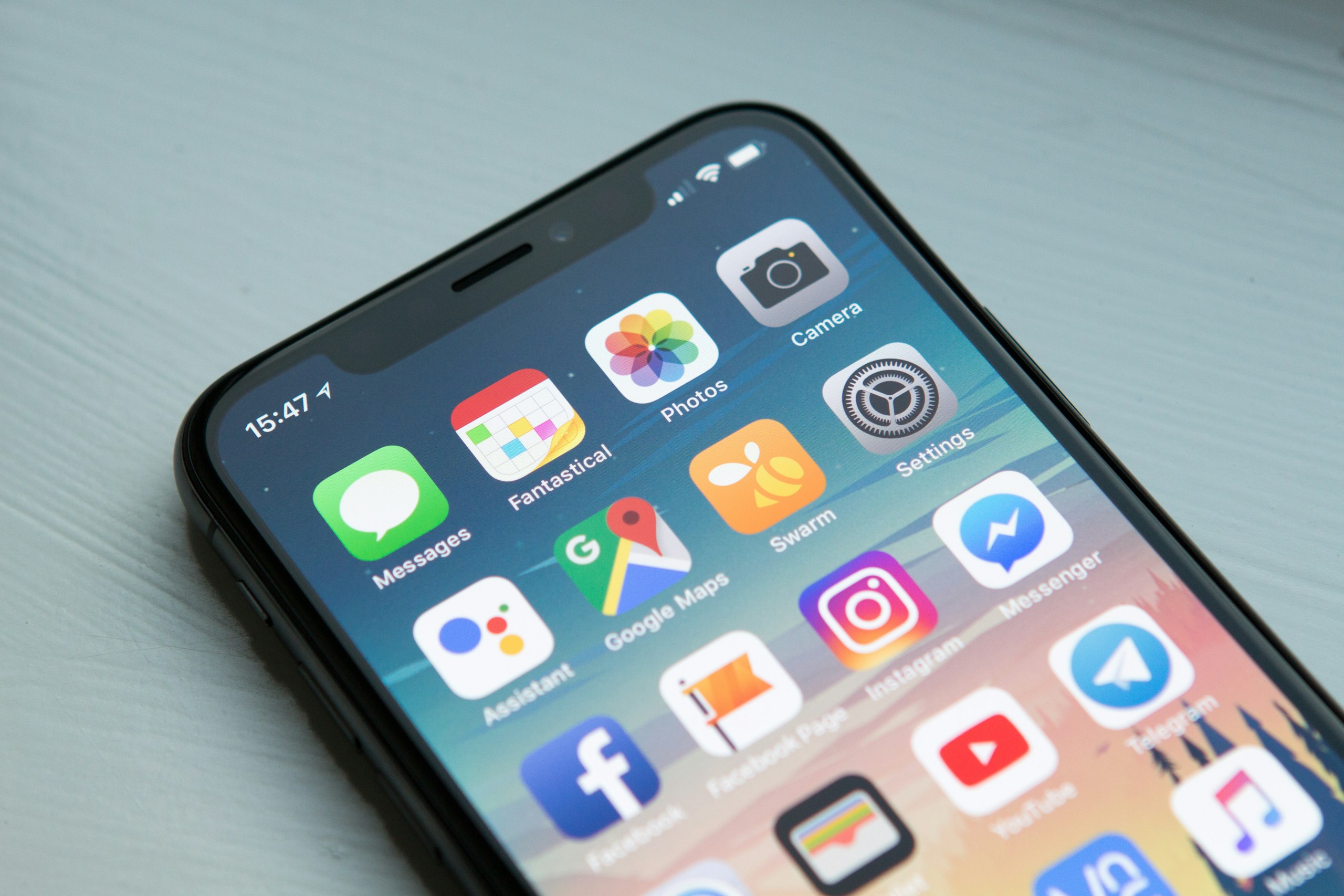
Your customers don’t just hang out on your website. They’re on WhatsApp, Facebook Messenger, Instagram DMs, and Slack. An omnichannel chatbot meets them wherever they are.
The same conversation flow and knowledge base powers every channel. A customer can start a conversation on your website, continue it on WhatsApp, and get a follow-up email when it’s resolved. That continuity is what separates a modern chatbot platform from a basic website widget.
“Companies that deploy chatbots across multiple channels see 3.5x higher customer engagement rates compared to single-channel deployments.” (Zendesk, CX Trends Report, 2025)
Customers expect to reach your business on the channels they already use, not just your website.
Common Mistakes That Kill Chatbot Performance
Making it too complicated
The biggest mistake new chatbot builders make is over-engineering their first bot. They try to handle 50 conversation topics, connect 10 integrations, and build 20-step decision trees with complex conditional logic.
Start small. Handle your top 5-10 questions well. Get those right, then expand. A chatbot that handles 5 questions perfectly is infinitely more valuable than one that handles 50 questions poorly.
Ignoring chatbot analytics
Your chatbot’s analytics dashboard is a goldmine. It tells you which questions the bot handles well, where users drop off, and what questions the bot can’t answer yet. Review it weekly for the first month, then biweekly.
The most valuable metric is “escalation rate.” If more than 30% of conversations escalate to human agents, your chatbot needs work. Target 60-70% automated resolution within the first three months.
No escape hatch to human support
Every conversation with a chatbot should include an easy, visible option to reach a human. Hiding the “talk to a human” button or making users jump through hoops to escalate is the fastest way to destroy trust.
If a customer can’t reach a person when they need to, they won’t come back. Period.
How to Improve Your Chatbot Over Time
Chatbot improvement is an ongoing process. The best bots get smarter every week based on real user interactions and conversation data.

Review conversation logs weekly
Every week, read through 20-30 conversations. Look for patterns. Are users asking questions the bot can’t answer? Are there recurring phrases the bot misinterprets? Each of these is an opportunity to add a new conversation flow or train the knowledge base.
This isn’t optional, especially in the first three months. The conversations your bot has in its first week will teach you more about your customers than months of market research.
Update answers based on new questions
Your business changes. Products launch. Policies update. Pricing shifts. Your chatbot needs to change too. Set a monthly reminder to review and update the chatbot’s knowledge base with new information.
Stale answers are worse than no answers. A chatbot that tells a customer the wrong return policy or quotes an outdated price doesn’t just fail to help; it actively damages trust and customer satisfaction.
A/B test your greeting messages and conversation flows
Test different greetings, different conversation starters, and different escalation messages. Small changes in wording can have a big impact on customer engagement and resolution rates.
For example, “How can I help you?” vs “What brings you here today?” might seem like a minor difference, but the second one often performs better because it feels more conversational and less robotic. A/B testing your conversation design is one of the easiest ways to improve performance without building anything new.
Add multilingual support
If your customers speak multiple languages, add multilingual support early. Most modern no-code chatbot builders offer automatic language detection and response translation. This capability alone can expand your chatbot’s reach to non-English-speaking customers without building separate flows for each language.
Real Results from No-Code Chatbots
The numbers tell the story. Here’s what businesses typically see within 90 days of deploying a no-code chatbot:
73% faster response times. Customers get answers in seconds, not hours.
40-60% reduction in support ticket volume. The chatbot handles routine questions, freeing agents for complex issues.
24/7 availability. Your chatbot works at 3 AM, on holidays, and during peak traffic spikes.
$3,000-15,000 monthly savings in support costs for mid-sized businesses.
15-25% increase in lead capture when chatbots proactively engage website visitors for lead qualification.
“The average ROI for a no-code chatbot implementation is 4.5x within the first year, with most businesses breaking even within 6-8 weeks.” (Intercom Business Messaging Report, 2025)
Chatbot Usage by Industry
Customer support leads chatbot adoption at 35%, followed by lead generation (25%) and FAQ automation (20%).
Customer support remains the top use case for no-code chatbots, but lead qualification and FAQ automation are growing fast. Internal helpdesk chatbots, used for employee IT support and HR questions, represent a smaller but high-ROI segment, especially for companies with 500+ employees.
Start Building Your Chatbot Today
Building a chatbot without code used to feel like a compromise. Today, it’s the smart move. No-code platforms give you the speed to launch in days, the flexibility to iterate based on real data, and the power of modern NLP without writing a single line of code.
The process is straightforward:
Define your chatbot’s primary purpose (customer support, lead qualification, or FAQ automation)
Map your top customer questions
Choose a no-code chatbot builder that fits your needs
Build your conversation flows visually with the drag-and-drop editor
Connect your knowledge base and train on real conversations
Add human handoff and escalation rules
Test, soft-launch, and iterate based on chatbot analytics
Start with Shogo’s Chatbot Builder. It gives you everything you need: visual conversation flows, AI-powered NLP responses, omnichannel deployment, and built-in analytics. No code required. No developer needed. Just your knowledge of your customers and a clear plan.
Build your first chatbot free and see how quickly you can go from “we should get a chatbot” to “our chatbot handled 200 conversations today.”
FAQ
How long does it take to build a chatbot without code?
Most businesses build and deploy their first chatbot in 2-5 days. The initial setup (conversation flows, knowledge base, integrations) takes 4-8 hours. Testing and refinement add another 1-2 days. Compare that to the 4-12 weeks traditional chatbot development requires.
Can a no-code chatbot handle complex questions?
Yes, if you set it up correctly. Modern no-code chatbot builders use natural language processing and large language models that understand context and nuance. The key is connecting a comprehensive knowledge base and training the AI on real customer conversations. For truly complex issues, the bot should escalate to a human with full context.
What’s the difference between a chatbot and a virtual assistant?
A chatbot typically handles specific, predefined tasks through conversational interfaces. A virtual assistant (like Siri or Alexa) is broader, handling multiple types of interactions across different contexts. For business purposes, the terms are often used interchangeably. A well-built no-code chatbot can function as a virtual assistant for your specific business needs.
Do no-code chatbots work on mobile?
Yes. Most no-code chatbot platforms provide responsive widgets that work on any device. The chatbot automatically adapts to screen size and touch interactions. Some platforms also offer native mobile app integrations for iOS and Android.
How much does a no-code chatbot cost?
Pricing varies by platform and conversation volume. Free plans are available for testing. Paid plans typically range from $50-500/month for small to mid-sized businesses. Enterprise plans with advanced features, custom integrations, and dedicated support range from $500-2,000/month. Most businesses see positive ROI within the first month.
Can I integrate my chatbot with my existing CRM?
Yes. Most no-code chatbot builders offer native integrations with popular CRMs (Salesforce, HubSpot, Pipedrive) through APIs or tools like Zapier. When a chatbot captures a lead or creates a support ticket, that data flows directly into your CRM without manual entry.
What is natural language processing (NLP) in chatbots?
Natural language processing is the AI technology that lets chatbots understand and respond to human language. Instead of matching exact keywords, NLP-powered chatbots interpret the meaning behind what users type. This means they handle typos, synonyms, slang, and conversational phrasing effectively. Most modern no-code chatbot builders include NLP as a core feature.
Sources
- Zendesk. “CX Trends Report 2025.” Zendesk, 2025.
- Intercom. “Business Messaging Report 2025.” Intercom, 2025.
- Gartner. “Market Guide for Conversational AI and Virtual Assistants.” Gartner Research, 2025.
- McKinsey & Company. “The State of AI in Customer Service.” McKinsey Digital, 2025.
- Drift. “State of Conversational Marketing 2025.” Drift, 2025.
- Forrester. “The Total Economic Impact of AI Chatbots.” Forrester Research, 2025.
- HubSpot. “Customer Service Trends Report 2025.” HubSpot Research, 2025.
- Statista. “Chatbot Market Size Worldwide from 2020 to 2025.” Statista, 2025.
Written by the Shogo Editorial Team. We help businesses deploy intelligent automation without technical overhead. Contact us at [email protected].
Related reading: Top 5 AI Chatbot Builder Platforms | 10 Best Practices for Training an AI Chatbot | 7 Best No-Code Chatbot Builders
Build your first chatbot free and see how quickly you can go from “we should get a chatbot” to “our chatbot handled 200 conversations today.”