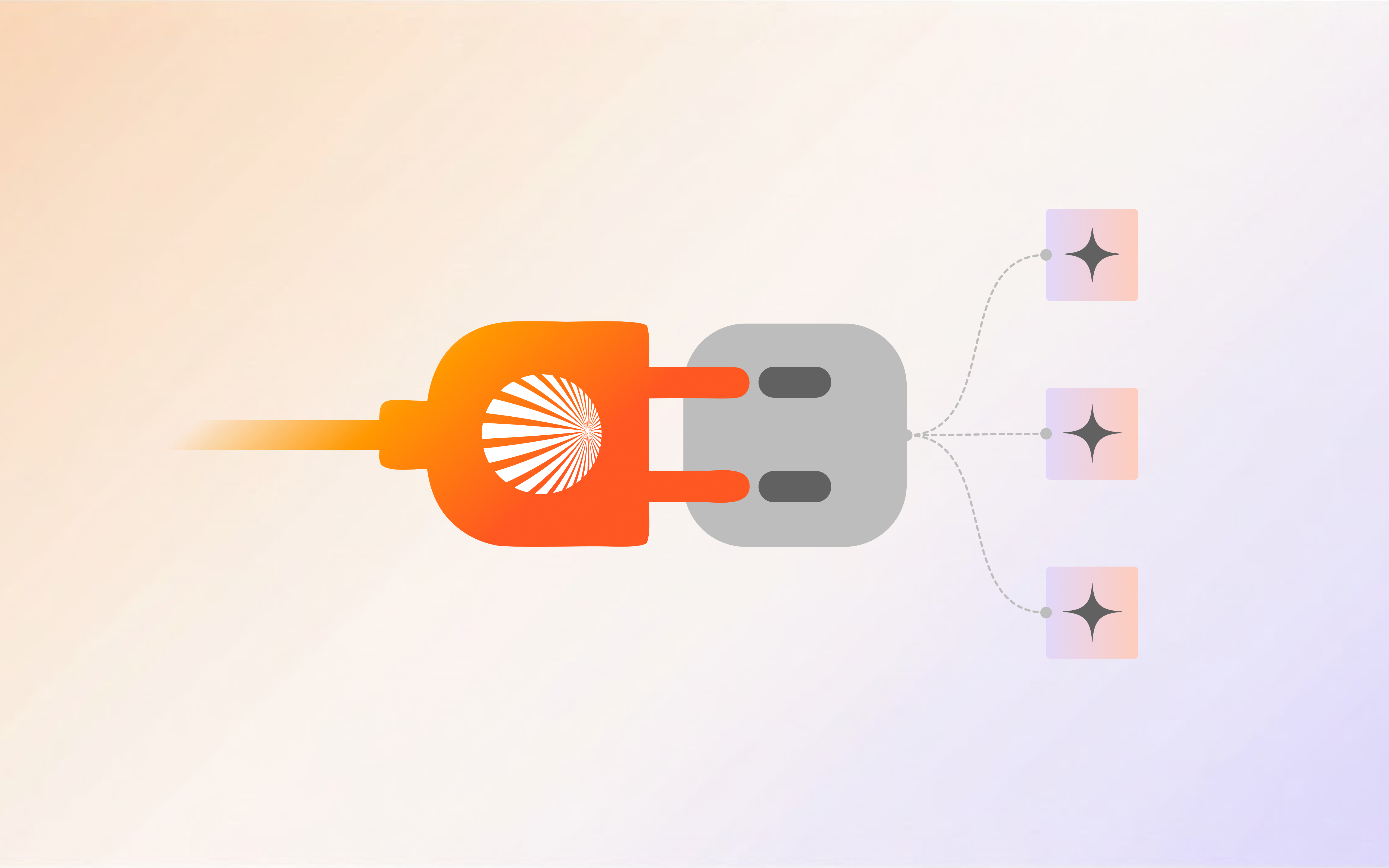
Salesforce Integration with Shogo’s AI Agent marks a significant advancement in the realm of customer relationship management. By leveraging the power of Salesforce CRM, businesses can manage their customer interactions and data more efficiently. Shogo, renowned for its robust AI tools and capabilities, has now introduced an exciting integration: Connect your Salesforce account and create a Custom AI Agent.
This integration allows businesses to log in to their Salesforce accounts directly through Shogo, enabling the creation of AI agents that can fetch and chat information from Salesforce databases without needing to store them in a knowledge base. This not only streamlines data access but also enhances the functionality of AI agents in performing complex tasks. These intelligent agents can perceive their environment, take actions to achieve specified goals, and operate independently within complex environments.
This blog covers the benefits of integrating Salesforce with Shogo, the features of this seamless AI Salesforce integration, and how AI agents can transform business operations.
Learn how AI for Salesforce can provide personalized experiences, streamline workflows, and improve decision-making through advanced artificial intelligence capabilities. The integration leverages large language models, intelligent agents, and natural language processing to offer innovative solutions for complex tasks, ultimately enhancing the overall customer experience.
The Concept of AI Agents in Shogo
In Shogo, the concept of AI Agents revolves around creating intelligent, autonomous entities that can perform complex tasks and enhance business processes. The agent function, a mathematical representation of how an agent operates by mapping percept sequences to actions, is essential for understanding how these agents can perform tasks and respond to their environments effectively. These agents are powered by advanced AI tools such as natural language processing, machine learning, and large language models.
Custom AI Agents can be tailored to specific business needs, leveraging real-time data from integrations like Salesforce CRM to provide personalized experiences and improve customer engagement. They automate routine tasks, analyze customer interactions, and support decision-making processes, thereby boosting operational efficiency and reducing the need for human intervention.
AI Agents in Shogo can handle a variety of functions, from simple reflex agents that respond to specific conditions to more sophisticated model-based reflex agents and utility-based agents that use internal models and utility functions to determine the best actions to take. This flexibility allows businesses to create agents that not only perform specific tasks but also adapt and learn from past interactions, enhancing their effectiveness over time.
Creating Custom AI Agents On Shogo
The Shogo platform offers a robust Agent Builder interface that allows users to create tailored Custom AI Agents. The image depicts the various configurable components within the Agent Builder, including:
-
Untitled Agent: The section where users can name their AI agent.
-
Personality: Define the personality traits of the AI, such as being a helpful assistant.
-
Agent Type: Select the type of AI agent to be created.
-
AI Model: Choose the AI model, with GPT-4o being an example shown.
-
Knowledge Base: Integrate resources that the agent can access and utilize.
Additionally, the interface provides options to add functionalities like Salesforce integration, User Identification, Use Long Term Memory, JSON Response, Rules, and more. These features enable businesses to create highly customizable and intelligent AI agents that can automate tasks, improve customer interactions, and leverage real-time data from integrated platforms like Salesforce.
Step-by-Step Guide on Integrating Salesforce with Shogo’s AI Agent
Step 1: Access the Agent Builder
- Navigate to the **Agent > Create Custom Agents **on the Shogo platform.
Step 2: Configure the Agent
-
Define the attributes of your agent:
-
Name the Agent: Provide a unique name under “Untitled Agent”.
-
Set Personality: Define the agent’s personality, such as “You are a helpful assistant.”
-
Select Agent Type: Choose the type of agent you need.
-
Choose AI Model: Select the AI model, for example, GPT-4o.
-
Include Knowledge Base: Integrate relevant resources for the agent to utilize.
-
Name the Agent: Provide a unique name under “Untitled Agent”.
-
Set Personality: Define the agent’s personality, such as “You are a helpful assistant.”
-
Select Agent Type: Choose the type of agent you need.
-
Choose AI Model: Select the AI model, for example, GPT-4o.
-
Include Knowledge Base: Integrate relevant resources for the agent to utilize.
Step 3: Add Salesforce Integration
-
In the “Add” section on the right, find and select Salesforce.
-
Click on Create New Connection to integrate your Salesforce account.
Step 4: Connect Salesforce Account
-
Navigate to the Integrations section under My Account.
-
Click on Connect next to the Salesforce option to link your Salesforce account to Shogo.
Step 5: Finalize and Save
- After configuring all necessary settings and adding the Salesforce integration, click on Save Agent.
Try it now! Set up your AI agent with Salesforce
Trying Out the AI Agent Using Shogo’s Chat (Conversational AI)
Once your Custom AI Agent is set up and integrated with Salesforce CRM, you can interact with it using Shogo’s Chat, also known as Conversational AI. Here’s how you can get started:
Step 1 Access Shogo’s Chat
Navigate to the Chat section on the Shogo platform.
Step 2 Select the AI Agent you created
Integrate the AI Agent you created by clicking on the agent’s name highlighted in blue under “+ Send Message”.
Hover over your custom agent’s box and click on “Select” highlighted. Go back to chats and you’ll see your custom agent is set as the default agent with your AI model.
Step 3 Initiate Conversation
Start a conversation with your AI agent by typing in queries or commands.
Get started! Build your AI-powered Salesforce agent.
Create Automation Flows with your Salesforce AI Agent
With Shogo, you can utilize your integrated Salesforce AI Agent to design and execute powerful automation flows. This feature enables businesses to streamline their operations and enhance efficiency.
Navigate to the Automator section on the Shogo platform.
Click on Flows and start a new flow.
Select steps from the available options, such as scheduling tasks or adding conditions.
Incorporate Shogo Agents, including those integrated with Salesforce CRM, to automate complex tasks.
Test the flow to ensure it operates correctly and then publish it.
Let’s go! Create your Salesforce AI agent
Create Custom Chatbots with your Salesforce AI Agent
With Shogo, you can leverage your Salesforce AI Agent to build a powerful chatbot that enhances customer interactions and automates responses.
Navigate to the Public Tools section and select Public Chatbot.
-
Chatbot Name: Enter a name for your chatbot.
-
Welcome Message: Define a welcome message, such as “Hi! I am Shogo, your personal assistant. How can I help you?”
-
Input Placeholder Text: Set placeholder text for the input field.
-
Suggestions: Add predefined suggestions to guide users.
Choose your Salesforce AI Agent as the default agent to handle interactions.
-
Enable multiple chats if necessary.
-
Customize font size, message bubble color, and other interface elements.
After configuring the settings, click on Save Changes to activate your chatbot.
Check it out! Build your Chatbot with Salesforce AI agent *
How Shogo’s AI Agents Work with Salesforce
AI Agent Functionality
AI Agents in Shogo are designed to seamlessly integrate with Salesforce, enabling them to fetch and process information efficiently. Here’s how they function:
-
Data Retrieval
AI Agents access customer data stored in **Salesforce **in real-time, ensuring they work with the most up-to-date information.
-
Processing Information
Utilizing advanced natural language processing and machine learning algorithms, these agents analyze and interpret the data to provide actionable insights.
-
Automation of Tasks
**They automate routine tasks such as data entry, updates, and customer query responses, reducing the need for human intervention and minimizing errors.
-
Enhanced Decision-Making
By leveraging model-based reflex agents and utility-based agents, AI Agents can make informed decisions quickly, improving overall efficiency and customer satisfaction.
Enhancing Customer Experience
AI-powered personalized experiences based on customer data can significantly improve customer engagement and satisfaction. By utilizing the comprehensive data available in Salesforce, AI Agents in Shogo can tailor interactions to meet individual customer needs.
-
Personalized Interactions
AI Agents analyze customer data to provide tailored recommendations and solutions, enhancing the overall experience.
-
Improved Customer Engagement
Automated responses and proactive communication keep customers engaged and satisfied.
-
Increased Satisfaction
Timely and relevant interactions lead to higher levels of customer satisfaction and loyalty.
-
Custom AI Agents providing personalized product recommendations based on past interactions and purchase history.
-
AI-powered chatbots offering instant support and resolving customer issues efficiently.
Take a peek! Try our Salesforce AI agent
Technical Insights: How Integration Works
Behind the Scenes
The integration of **Salesforce **with Shogo involves several technical steps to ensure seamless functionality. AI Agents access and retrieve data from Salesforce through secure API connections, allowing real-time updates and synchronization. This process ensures that the AI Agents work with the most current and accurate customer information.
AI Models and large language models play a crucial role in facilitating this integration. These models, including model-based agents and utility-based agents, utilize machine learning and natural language processing to interpret and analyze the data retrieved from Salesforce. This enables the AI agents to provide intelligent and contextually relevant responses and recommendations.
Security and Compliance
Ensuring data security and compliance with industry standards is a top priority. Shogo employs advanced encryption techniques to protect data during transmission and storage. Regular audits and compliance checks are conducted to adhere to industry regulations, safeguarding sensitive customer information and maintaining trust. By implementing robust security measures, Shogo ensures that integrating **Salesforce **with its platform is both secure and compliant, providing peace of mind to businesses and their customers.
See for yourself! Build your custom AI agent now
Real-World Applications and Use Cases
Practical Applications of Salesforce Integration with Shogo’s AI Agent
Integrating Salesforce CRM with Shogo’s AI Agents offers numerous practical applications across various business functions, enhancing efficiency and customer satisfaction.
Customer Service
-
**Automated Support
AI Agents can handle routine inquiries, providing instant responses and freeing up human agents for more complex issues.
-
**Personalized Assistance
**By accessing real-time customer data from Salesforce CRM, agents can offer tailored solutions, improving customer satisfaction.
Sales Support
-
Lead Management
AI-powered agents can track and manage leads, providing sales teams with actionable insights and recommendations.
-
**Sales Forecasting
** Utilizing AI models, agents can predict sales trends and help in strategizing sales efforts.
Just as self-driving cars use advanced sensors and machine learning to navigate autonomously, AI agents in Shogo utilize similar technologies to automate customer service tasks.
Give it a try! AI agents for Salesforce
Try Salesforce on Shogo Now
We understand that managing customer relationships and data can be overwhelming. That’s why integrating Salesforce CRM with Shogo’s Custom AI Agents is a game-changer. Integrating **Salesforce **with Shogo’s Custom AI Agents means having a team of tireless assistants handling your most complex tasks 24/7. These agents streamline workflows, personalize customer interactions, and provide real-time insights, making your business smarter and more efficient.
No more tedious data entry or guesswork in your marketing strategies. With AI-powered tools, your team can focus on what really matters: building meaningful customer relationships and driving growth.
Experience the future of business today. Your customers will thank you, and your team will wonder how they ever managed without it. Let’s make business personal again!
Have more questions?
Contact our sales team to learn more about how Shogo can benefit your business.
FAQs
What is Salesforce?
Salesforce is a cloud-based customer relationship management (CRM) platform that provides tools for managing customer interactions, sales processes, and data. In the context of Salesforce CRM, the capabilities of AI are often compared to human intelligence, highlighting how AI can augment human decision-making and efficiency. It helps businesses streamline operations and enhance customer engagement.
What is Salesforce CRM?
Salesforce CRM is the customer relationship management component of Salesforce. It offers functionalities like sales automation, customer service, marketing automation, and analytics to help businesses manage and improve their customer relationships.
What is Salesforce used for?
Salesforce is used for managing sales, customer service, marketing, and other business processes. It enables businesses to track customer interactions, manage sales pipelines, automate workflows, and analyze data to improve decision-making and customer satisfaction.
What is an AI Agent?
An AI Agent is a software entity that uses artificial intelligence to perform tasks autonomously. It can analyze data, make decisions, and interact with users or other systems to achieve specific goals, enhancing operational efficiency and customer interactions.
How to build an AI Agent?
To build an AI Agent:
- Define Objectives: Determine what tasks the agent should perform.
- Select a Platform: Choose a platform like Shogo.
- Configure Settings: Set the agent’s personality, type, and AI model.
- Integrate Data Sources: Connect to data sources like Salesforce CRM.
- Test and Deploy: Test the agent’s functionality and deploy it for use.
How does Salesforce integration enhance Shogo?
Salesforce Integration with Shogo enables AI Agents to access real-time data from Salesforce CRM, automating complex tasks and improving customer interactions through AI-powered solutions.
What are the benefits of using Shogo’s Custom AI Agents?
Shogo’s Custom AI Agents can automate tasks, provide personalized customer experiences, and enhance decision-making by leveraging AI tools and real-time data from Salesforce.
What are the key features of Shogo’s integration with Salesforce?
Key features include real-time data access, automated workflows, personalized customer interactions, and improved operational efficiency through AI-powered automation.
Can I use Shogo’s AI Agents for automating business processes?
Yes, Shogo’s AI Agents can be used to create automation flows, reducing the need for manual intervention and enhancing business processes through intelligent automation.
How do I set up a chatbot using my Salesforce AI Agent?
Navigate to the Public Chatbot tool on Shogo, configure the chatbot’s content, assign your Salesforce AI Agent as the default agent, and customize the interface to create a powerful customer interaction tool.