Handling tasks can feel overwhelming when you’re managing a small business. As your workload increases, repetitive tasks and paperwork can become a major drain on your time and resources. Errors and inefficiencies only add to the problem.
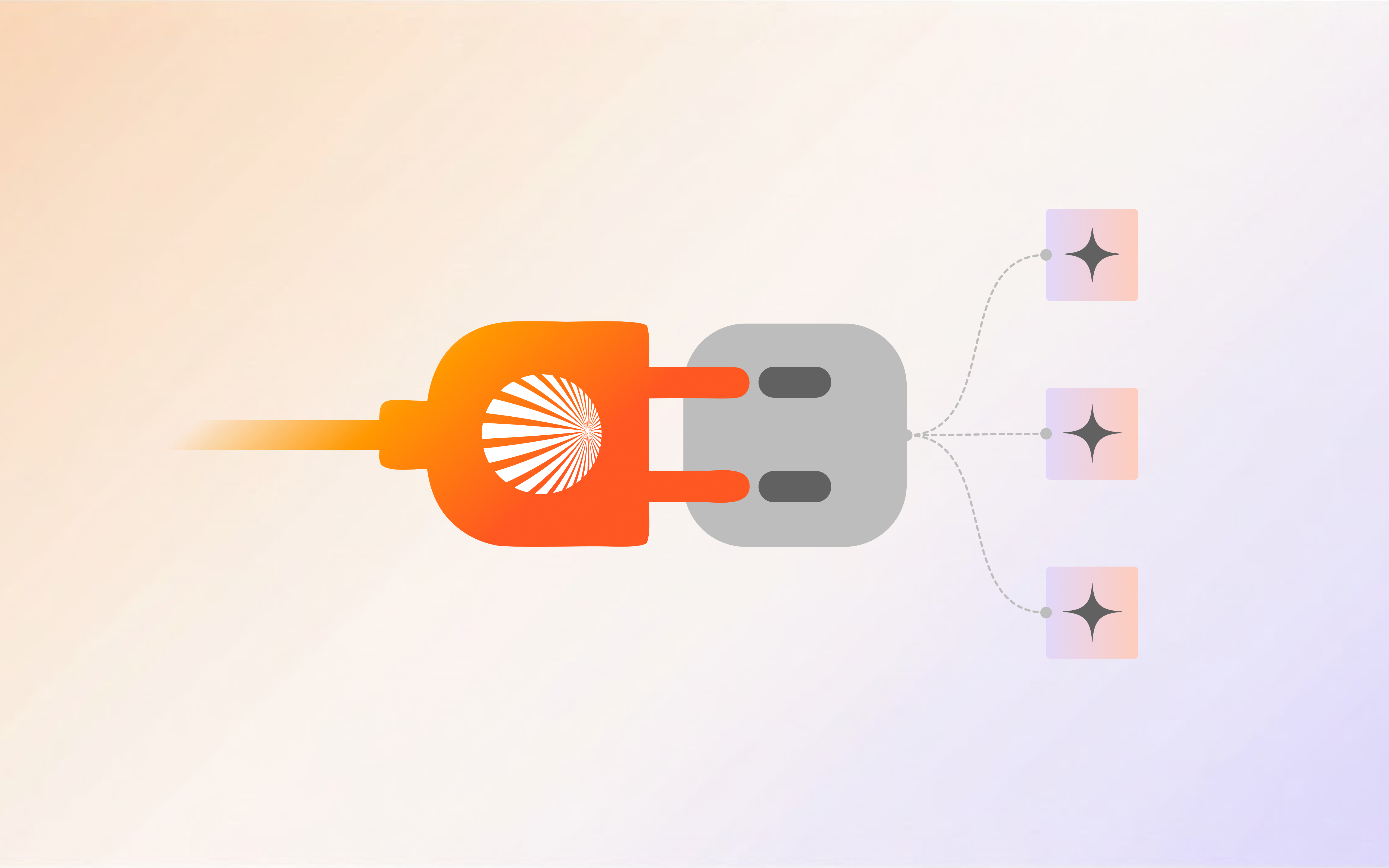
Workflow automation can simplify these manual processes and keep your operations running smoothly. It helps you automate routine tasks, reduce errors, and free up your time to focus on what matters most—growing your business.
In this guide, we’ll show you how to set up automated workflows, choose the right tools, and apply automation to streamline your processes effectively.
Try Shogo today and experience the power of AI-driven workflow automation that propels your business forward.
What is Workflow Automation?
Workflow automation is the process of automating tasks, documents, and the flow of information within business processes. It involves using software to reduce or eliminate the need for human intervention.
For example, when an email triggers a task assignment or a customer service request automatically routes to the correct department, that’s workflow automation in action.
Workflow automation can benefit businesses of all sizes and across nearly every industry. From small retail shops to large corporations, most companies can use it to simplify daily operations and improve task productivity.
Benefits of Workflow Automation for Small Businesses
Automating workflows can bring many benefits to your business. Here are a few key advantages you’ll likely notice:
More Productive Employees
When your team is small, it’s easy to think automation isn’t necessary. But even in a small business, workflow automation can free up time by handling tasks like data entry or invoicing.
Workflow automation software enables employees to work on more meaningful projects instead of routine tasks. When they aren’t tied down by repetitive work, they feel more productive and motivated.
The result? A highly efficient staff engine that drives better performance and keeps your business running smoothly.
Fewer Errors
Mistakes happen, especially when tasks are done manually. Data entry errors, misplaced documents, or missed deadlines can cost your business time and money.
Workflow automation systems reduce human error by ensuring tasks follow set rules and procedures.
For example, automated invoice processing eliminates the risk of incorrect billing amounts, keeping your accounts accurate. By cutting down on errors, your business runs smoother, with fewer headaches and more trust from clients.
Improved Collaboration
Communication gaps can often slow things down. Teams might miss updates or let tasks slip through when relying on emails or manual follow-ups.
Workflow automation systems keep everyone in the loop by automatically updating and notifying team members when tasks move forward. If someone completes a task, the next person is instantly alerted.
This seamless handoff reduces miscommunication and keeps projects on track without unnecessary hold-ups.
Better Customer Experience
Customers notice when things run efficiently. Workflow automation ensures that service requests, orders, and inquiries are handled quickly, without the usual bottlenecks.
For example, workflow automation tools can handle appointment scheduling or process returns in a timely manner, keeping your customers informed and satisfied.
When customers experience faster service, they’re more likely to return—and that’s key for growth.
Boost accuracy and collaboration—try Shogo today!
Types of Workflows You Can Automate
Automating workflows saves time and reduces repetitive tasks for small businesses. Here’s how different areas can benefit from workflow automation systems:
HR Onboarding
Onboarding new hires becomes seamless with automated workflows. Automating tasks like sending forms, scheduling orientation meetings, and tracking progress ensures that the entire process runs smoothly.
This way, HR teams can focus on welcoming new employees and making sure they are set up for success without dealing with manual follow-ups.
Project Management
Automation makes project management easier. Tasks such as assigning responsibilities, updating timelines, and sending notifications are managed automatically.
With automated updates, team members stay informed about upcoming deadlines, which means that projects stay on track without manual intervention.
Customer Support
Automating customer support workflows helps ensure quicker, more organized responses. Inquiries are automatically assigned to the appropriate team member, while automated responses handle basic questions.
This results in more efficient resolutions and improves customer satisfaction by allowing seamless, timely support.
Invoice and Billing
Automation in invoicing and billing guarantees error-free accounting. Automated systems can extract and validate data from invoices, track payments, and send reminders for approvals.
This allows the finance team stays focused on strategic planning while minimizing manual errors.
Marketing Automation
Automating email marketing tasks can save a lot of time for small businesses. Workflow automation can handle scheduling, sending, and tracking email campaigns, ensuring that your marketing efforts are consistent and effective.
With tools to track performance, you can refine your campaigns and improve engagement over time.
How to Create Automated Workflows For Your Business
Creating automated workflows doesn’t have to be complicated. Here’s how to set things up for your small business (with a little help from our Gen AI-powered automator).
1. Identify Core Tasks
Every small business has routine tasks that can be automated to save time. Whether it’s handling customer support, processing invoices, or managing HR onboarding, Shogo Automator makes it easy to pinpoint the most time-consuming workflows.
Using our AI-powered tools, you can streamline these repetitive tasks and focus on more important work.
2. Map Out Your Workflow
Once you’ve identified the tasks you want to automate, the next step is laying out the workflow. With our drag-and-drop interface, mapping out processes is simple.
You can visualize each step, from project tracking to task assignments, ensuring everyone on your team is aligned and ready to go.
3. Consolidate Your Tools
If you’re using different tools for the same process, combine them. Shogo’s platform integrates with numerous tools such as Asana, Monday, Google Calendar, Salesforce, HubSpot, and more, so tasks like project tracking and client management can be streamlined into one smooth system.
4. Test Workflows
Before going live, test your workflows with Shogo Automator. Run through the process with real tasks to spot any issues or bottlenecks.
Shogo’s real-time tracking helps you fine-tune the system for smooth performance, ensuring your workflows are ready for the day-to-day.
5. Automate and Optimize
Now that your workflows are mapped and tested, it’s time to automate. Shogo Automator handles everything—from invoicing and scheduling to customer support—all without a single line of code. Use our tool to streamline your tasks and improve overall business efficiency.
Common Myths About Workflow Automation
If you’re thinking about automating repetitive tasks, you’ve probably heard a few things that make you hesitate. Let’s clear up those doubts.
It’s Too Complicated
You might think, “I don’t have time to learn workflow software.” But you don’t need to be a tech genius. Modern workflow automation tools are designed to be simple. Drag-and-drop interfaces make setting up automated business logic as easy as sending an email.
Automation Means Job Cuts
Worried that automating processes will replace your team? It won’t. Automation helps free your employees from boring, repetitive tasks so they can focus on more important work. It makes jobs easier, not obsolete.
It’s Way Too Expensive
“Workflow automation sounds great, but it’s going to cost a fortune.” Actually, many automation options are affordable for small businesses. You can start small, automating just a few key processes, and scale as your needs grow. Plus, saving time saves money.
My Data Will Be at Risk
You might think, “Putting my business’s info online means exposing it to risks.” The good news? Most workflow automation systems offer built-in security features like encryption, regular backups, and multi-factor authentication to protect sensitive data.
No-code, Low-code Platforms
You don’t need to be a developer anymore. No-code and low-code platforms let you build workflows without writing a single line of code. Just drag, drop, and set up automations that handle routine tasks while you focus on what matters.
Trends in Workflow Automation
Workflow automation is moving beyond basic time-saving tasks. New technologies are changing how businesses operate with faster, smarter systems.
AI for Smarter Automation
Repetitive tasks don’t stand a chance against AI. Systems powered by artificial intelligence can now manage more complex workflows, analyzing data and making decisions on the fly. Think of it like having an extra set of hands, but faster and always learning.
Seamless Integrations
Managing multiple apps can be a headache. Workflow automation tools are now designed to integrate with your favorite platforms.
Whether it’s syncing your CRM with email or linking project management tools, everything works together smoothly, reducing the need for app juggling.
Hyperautomation
Hyperautomation takes automation to the next level. It’s designed to handle more complex processes, improving accuracy and efficiency across departments.
By combining AI, machine learning, and robotic process automation, hyperautomation enables businesses to streamline nearly every aspect of their operations.
Automation-as-a-Service (AaaS)
Instead of building automations from scratch, you can now subscribe to services that provide ready-made solutions. These let businesses automate repetitive tasks without the need for heavy investment in custom software.
These trends are shaping the future of workflow automation, offering more flexibility and control over how businesses run.
Discover the power of automation with Shogo—sign up today to streamline your workflows!
Discover the Power of Shogo Workflow Automation for Your Business
Now that you’ve seen how workflow automation can make a difference, it’s time to consider how Shogo can work for your business.
Imagine cutting down those repetitive tasks and freeing up time to focus on growth. Shogo Automator adapts to your needs, whether it’s simplifying client onboarding or streamlining customer support.
Ready to see the benefits for yourself? Get Shogo today to explore how this tool can optimize your workflows. Let it handle the routine, while you focus on what really matters.
Have more questions?
Contact our sales team to learn more about how Shogo can benefit your business.
FAQs About Workflow Automation for Small Business
Is workflow automation hard to set up?
Not really. Many tools today are user-friendly and don’t require coding skills. You just need to set up rules for how tasks flow, and the software handles the rest.
Can workflow automation be customized?
Yes, most automation tools let you tailor the process to fit your business needs. You can customize workflows for anything from sales to customer service, making it as simple or complex as you like.
Can I use workflow automation for customer service?
Yes, you can automate things like ticket assignments, customer follow-ups, or sending surveys after support is provided. It keeps things organized and makes sure no customer request slips through the cracks.
What types of tasks can I automate in my small business?
You can automate various tasks, such as invoicing, HR onboarding, and email campaigns. Using workflow management software, you can also automate repetitive tasks, freeing up time for more important business activities.
How can workflow automation improve customer satisfaction?
By setting up automated processes, customer inquiries are routed quickly and accurately. This speeds up response times, leading to improved customer satisfaction and ensuring that no request goes unanswered.
Is workflow automation only for large businesses?
Not at all. Workflow automation is ideal for small businesses, too. Whether it’s managing invoices, streamlining HR tasks, or using marketing automation tools, automation helps you boost efficiency without the need for a large team.
How does automation help with invoicing and billing?
Automation tools can handle invoicing and billing by automating processes like data extraction and validation. This reduces errors, ensures timely approvals, and helps keep your financial operations smooth and accurate.
Can I use automation to improve my marketing efforts?
Yes, with marketing automation tools, you can streamline tasks like scheduling emails, managing campaigns, and tracking results. This ensures your marketing efforts stay consistent and reach the right audience without manual effort.
Can I track the performance of automated workflows?
Yes, most workflow management software offers tracking and reporting features, allowing you to monitor the effectiveness of your automated processes. This helps identify areas where you can further optimize your workflows.